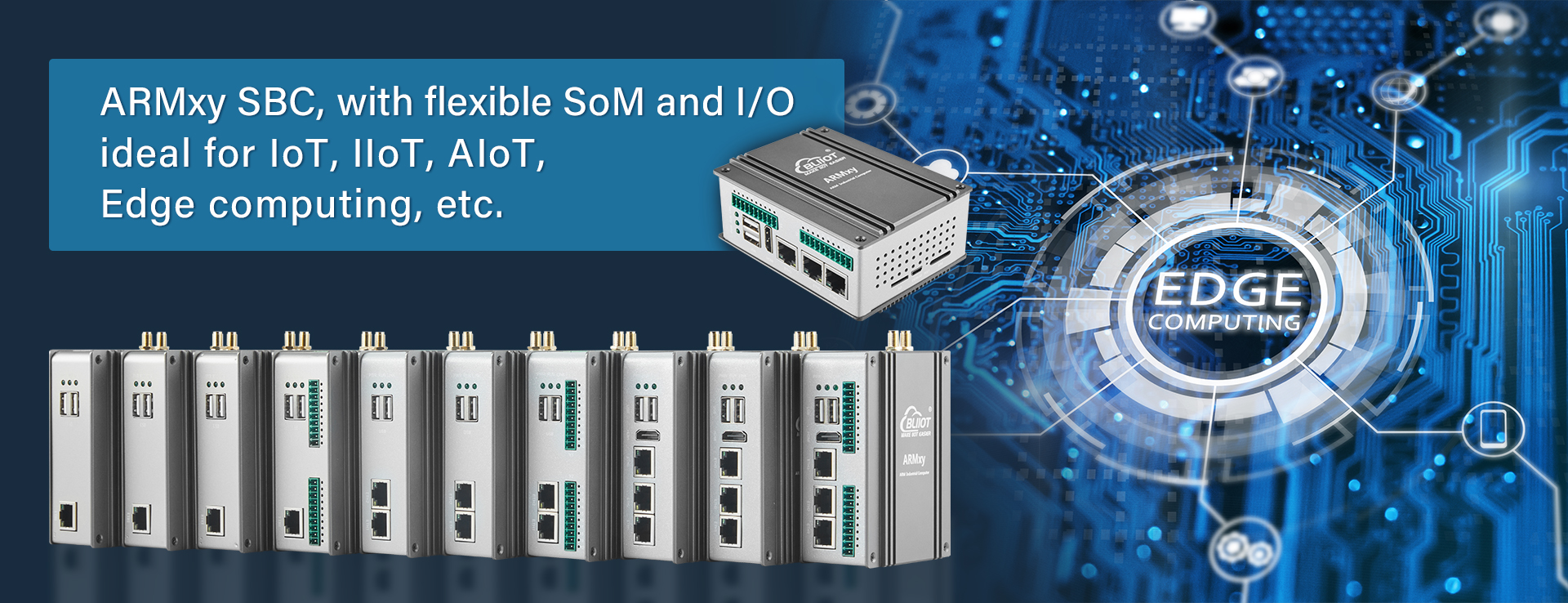
With the BL440 embedded computer as the core, this solution integrates machine vision inspection, equipment linkage control, AI defect detection, data collection and remote O&M for smart factories.
Case Details
Project Scenario
An automotive component smart factory requires integrated "machine vision quality inspection + equipment linkage control" on the production line: identifying surface defects of parts through machine vision, collecting equipment operating temperature, vibration and other data, automatically controlling sorting mechanisms to reject unqualified products after AI analysis, while remotely monitoring equipment status and conducting maintenance. The
BL440 embedded computer serves as the core, paired with X/Y series expansion modules, to build an end-to-end architecture from terminal perception and edge computing to upper-layer management. It addresses needs such as multi-device collaboration, AI inference, and remote operation and maintenance, ensuring clarity and logical consistency of topology nodes.
Core Equipment Configuration
- Edge Computing Core: BL442B-SOM441-X25-Y31-Y24 (Rockchip RK3576J 2.1GHz, 32GB eMMC, 4GB LPDDR4X; 2 Y-slots + 1 X-slot, supporting HDMI2.1 and 3 Ethernet ports)
- Expansion Modules: X25 (2-channel CAN + 2-channel RS485 + 8DI + 4DO, 20PIN), Y31 (4-channel AI 4~20mA), Y24 (4-channel relay DO)
- Terminal Perception Layer: 16MP industrial camera (supporting HDMI2.1 output), 4 PT100 temperature sensors, 2 vibration sensors (4~20mA), 3 part-in-place photoelectric switches (dry contact)
- Terminal Execution Layer: Sorting cylinder relay, unqualified product pushing motor, equipment emergency stop button (dry contact)
- Network Transmission Layer: Gigabit industrial switch, BL440L built-in 4G module (NANO SIM)
- Upper System Layer: Factory MES server (supporting OPC UA protocol), monitoring center display screen
- Operation and Maintenance Layer: Maintenance PC, BLRAT remote access tool, Qt-5.15.11 development environment
Detailed Implementation Process
1. Hardware Deployment & Wiring
Mount the BL442B on the DIN35 rail inside the production line control cabinet with a spacing of ≥10cm to ensure heat dissipation. Connect a 24VDC wide-voltage power supply (compatible with 9-36VDC) to the device’s "DC+" and "GND" terminals, enabling reverse polarity protection and overcurrent protection; connect the device’s grounding terminal to the control cabinet’s grounding bar to enhance electromagnetic interference resistance. Insert the SOM441 core board, install the 4G module into the Mini PCIe slot, and connect dual antennas to the outside of the cabinet to ensure stable wireless signals.
Insert the X25 board into the 20PIN X-slot of the BL440 and fasten it with screws; insert the Y31 (AI module) into the Y1 slot and the Y24 (relay DO module) into the Y2 slot. Connect the RS485-1 terminal of the X25 to the vibration sensor (A-A, B-B, GND-GND), and connect the CAN interface to the production line PLC (for equipment status interaction); connect the AI1~AI2 channels of the Y31 to the 4~20mA signals of the vibration sensors, and the AI3~AI4 to the temperature sensor signals (convert PT100 signals to AI channels via the Y51 module). Use AWG18 shielded cables with a length ≤20m, and ground the shield layer at one end.
Connect the industrial camera to the HDMI interface of the BL440 via an HDMI2.1 cable for image data transmission; connect 3 photoelectric switches (part-in-place signals) to the DI1~DI3 channels of the X25, with one end of the dry contact connected to the DI terminal and the other end to the COM terminal of the X25; connect the emergency stop button to the DI4 channel of the X25 (normally closed mode). Connect the DO1~DO2 terminals of the Y24 to the sorting cylinder relay coil (24VDC), DO3 to the pushing motor relay, and reserve DO4 for backup. Connect the negative pole of the relay coil to the COM terminal of the Y24 to match the power supply voltage requirements.
Connect the ETH0 port of the
BL440 to the industrial switch via an STP Cat 5 cable, and the switch to the MES server (static IP: 192.168.15.20) and monitoring display screen respectively; reserve the ETH1 port for local debugging and the ETH2 port for backup connection to the factory intranet. Insert a NANO SIM card into the SIM slot of the
BL440, configure APN parameters, and enable the "wired priority + 4G backup" network redundancy mode to ensure uninterrupted data transmission.
2. Parameter Configuration & System Initialization
Connect the
BL440 to the maintenance PC via the Micro USB debug port, flash the Ubuntu 22.04 system image, and configure SSH remote login (username: factory-admin, password: BL440-factory). Install Docker containers and Node-RED, enable the BLIoTLink protocol conversion software and BLRAT remote tool, and ensure all system components operate normally.
Log in to the BL440’s Web management interface (IP: 192.168.15.100) and navigate to the "Device Configuration" page: set the AI1~AI4 of the Y31 module to 4~20mA input with ranges of 0~50Hz (vibration) and -40~85℃ (temperature), and a sampling period of 100ms; set the DI channels of the X25 module to dry contact input (closed = signal trigger), RS485-1 to Modbus RTU master mode (baud rate 9600bps), and the CAN interface to CAN-FD protocol; set the DO channels of the Y24 module to "energized closed" mode to match the control logic of the execution mechanism.
Create protocol conversion tasks in BLIoTLink: convert sensor data collected by the X25 (Modbus RTU) to the OPC UA protocol, mapping nodes such as "Factory/Equipment/Temperature" and "Factory/Equipment/Vibration"; transmit image data from the industrial camera to the BL440 via the HDMI interface, optimize image quality through ISP, store it in eMMC, and upload image thumbnails to the MES server via the MQTT protocol (Topic: factory/vision/inspection). Configure the BL440 as an OPC UA server to allow the MES server to read real-time data and issue control commands.
Deploy a part defect detection model based on the TensorFlow framework on the BL440’s 6TOPS NPU via Docker containers. The model takes image data collected by the industrial camera as input and outputs "qualified/unqualified" judgment results and defect coordinates; configure linkage logic in Node-RED: when an unqualified product is detected, trigger the actions of Y24 DO1~DO2 to control the sorting cylinder to reject the part, and send a signal to the production line PLC via the X25 CAN interface to pause the station’s operation.
3. Data Flow & System Linkage
Terminal data collection: The industrial camera captures part images and transmits them to the BL440 via HDMI2.1; temperature/vibration sensors transmit analog signals to the Y31 module, and photoelectric switches and emergency stop buttons send digital signals to the X25 module via dry contacts.
Edge processing and AI inference: After receiving the data, the
BL440 optimizes image quality through ISP, and the NPU runs the defect detection model to complete quality inspection judgments; at the same time, it converts analog sensor signals into digital data for noise filtering and abnormality judgment.
Data upload and command issuance: The
BL440 uploads quality inspection results and equipment status data to the MES server and monitoring display screen via Ethernet for real-time viewing by staff; when defects or abnormal equipment parameters are detected, the MES server issues control commands, which are converted by the BL440 to control the action of the execution mechanism via the Y24 module, or link the PLC via the X25 module to adjust the production line’s operating status.
Abnormal feedback: When equipment malfunctions (e.g., excessive temperature), the X25 DI channel receives the signal, and the BL440 immediately triggers an audible and visual alarm and sends a text message notification to maintenance personnel via the 4G module.
4. Remote Maintenance & Troubleshooting
Establish remote access: Maintenance personnel install the BLRAT tool on an off-site PC, enter the unique token of the BL440 (generated on the Web interface), and establish a remote connection via the BLIoT cloud server without on-site attendance.
Status monitoring and debugging: Remotely log in to the
BL440 Web interface to view real-time data of the X25/Y31/Y24 modules, check the industrial camera’s image collection status and AI model operation logs; if the vibration sensor data is abnormal, remotely calibrate the Y31 AI channel or adjust the sampling period.
Firmware and model upgrades: Upload the latest system firmware and AI model files via the BLRAT tool, supporting breakpoint resume to avoid upgrade failures; regularly back up configuration parameters and model data to ensure rapid system recovery.
Fault handling: If the sorting mechanism is unresponsive, remotely check the DO channel status of the Y24 module and test the relay output; if it is a communication failure, remotely restart the network configuration or switch to the 4G backup link to quickly restore system operation.